
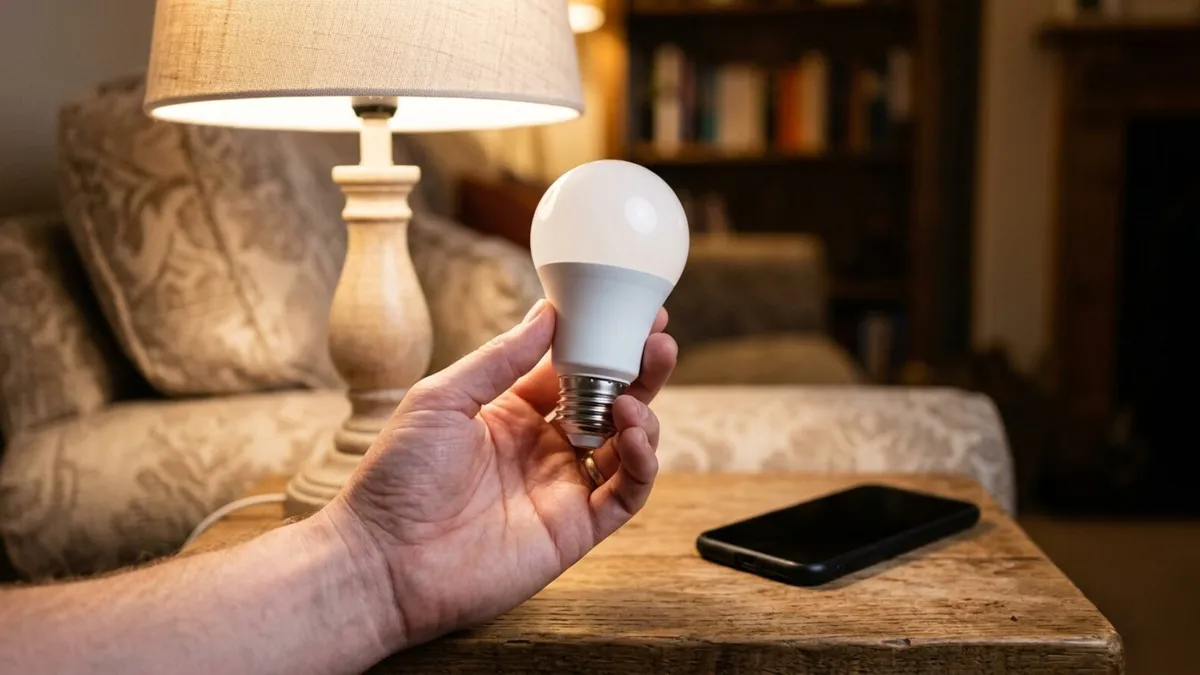
When Smart Lights Stop Listening
You tap the app and nothing happens. Or the bulb that dimmed perfectly last week now flickers at 30 percent and refuses to turn off from your phone. A smart bulb not responding is one of the most common smart home headaches, and the good news is that most causes are simple.
This guide walks through the checks you can do yourself, in the order we’d try them. After that, we cover the wiring problems that cause smart lights to flicker or drop off, because those are the ones worth calling an electrician about.
Start With the Wall Switch
A smart bulb needs constant power to stay connected. When someone flips the wall switch off, the bulb goes dark and drops off the network entirely. The app then shows it as offline or unresponsive.
Turn the switch back on and give the bulb about 30 seconds to reconnect. If this keeps happening, think about a switch guard, or swap the bulb setup for a smart switch that controls a regular fixture. That way the switch and the app never fight each other.
Power Cycle the Bulb, the Hub and the Router
Next, clear out any temporary glitch with a clean restart:
- Turn the bulb off at the wall switch for 10 to 15 seconds, then back on.
- If your lights use a hub or bridge, unplug it for 30 seconds and plug it back in.
- Restart your Wi-Fi router the same way and wait until the internet light is steady.
- Close and reopen the lighting app on your phone.
Restart in that order so each device finds the one before it. Smart lights not responding after a power outage often come back after this step alone.
Check Your Wi-Fi Band and Signal
Most Wi-Fi smart bulbs only connect on the 2.4 GHz band. Newer routers often combine 2.4 GHz and 5 GHz under one network name, and your phone may be on 5 GHz during setup. The bulb then fails to pair or connects once and drops off.
A few things help:
- Check your router settings for an option to split the two bands, or a temporary 2.4 GHz network for setup
- Move the router or add a mesh point if the bulb sits at the far end of the house or in a detached garage
- Keep the router away from microwaves and thick masonry walls when you can
- Update the router firmware, since older firmware can struggle with dozens of small devices
If you changed your Wi-Fi name or password recently, every Wi-Fi bulb needs to be added again. They don’t pick up the new credentials on their own.
Look at the Hub for Zigbee, Z-Wave and Thread Bulbs
Some smart lights talk to a hub instead of your router. Zigbee, Z-Wave and Thread are low-power wireless systems that pass signals from device to device. If a hub is involved, make sure it is powered, online and running current firmware.
These networks rely on nearby devices to relay signals. Unplugging a smart plug or removing a bulb in the middle of the house can leave a distant bulb stranded. Adding a powered device between the hub and the problem bulb often fixes the gap.
How to Reset Smart Light Bulbs
When a bulb still won’t respond, a factory reset clears its memory so you can pair it fresh. The exact steps vary by brand, but the pattern is similar:
- Most bulbs reset by switching power off and on several times in quick succession until the bulb blinks or changes color
- Some brands use a reset from the app, a remote or a button on the hub
- After the reset, delete the old bulb from the app and add it again as a new device
Look up your manufacturer’s reset sequence before you start, because the count and timing matter. Reset one bulb at a time so you know which one you are pairing.
Why Smart Lights Flicker
Smart light flickering usually points to something beyond the app. These are the causes we find most often.
The Bulb Is on a Dimmer Switch
A smart bulb has its own dimming electronics. Putting it on a wall dimmer means two dimmers are fighting, and the result is flicker, buzzing or a bulb that resets itself. Set the dimmer to full or replace it with a standard switch. Dimming belongs in the app.
The Dimmer Is Not Rated for LED
If you use a smart dimmer switch with regular LED bulbs, the dimmer needs to be compatible with LED loads. Older dimmers built for incandescent bulbs often cause flicker at low settings. Your bulb and switch makers usually publish a compatibility list.
No Neutral Wire at the Switch
Most smart switches need a neutral wire in the switch box to power their radio. Many older homes around Ann Arbor were wired with switch loops that have no neutral. No-neutral smart switches exist, but they can leak a small current through the fixture, which shows up as flicker or a faint glow when the lights are off.
Loose or Worn Connections
A loose wire in the switch box, a worn socket or a failing backstabbed connection can cause flicker that comes and goes. You might notice it more when the heat or air conditioning starts. This kind of intermittent connection can create heat and should be checked. Our guide on why lights flicker explains how to tell a fixture problem from a circuit or whole-house problem.
When to Call an Electrician
The app side of smart lighting is yours to handle. The wiring side is where we help. Call us if you notice any of these:
- Flicker that continues after you remove the dimmer from the equation
- A switch plate that feels warm, or a buzzing sound from the box
- Smart switches that won’t install because there is no neutral
- Several lights on one circuit acting up at once
- A scorch mark or burning smell at a switch or fixture
We install smart switches and dimmers, run neutrals where older boxes lack them, and design recessed lighting and landscape lighting that are built to work with smart controls from day one. If your house has older wiring, we can also check whether a rewiring project makes sense before you add more smart devices.
Smart Lighting Help Across Washtenaw County
Current Electrical Systems has served Ann Arbor, Ypsilanti, Saline, Dexter and the surrounding area since 1994. Our electricians are union trained through IBEW Local 252, and there’s no scheduling fee. When the bulbs are fine but the wiring isn’t, we’re reachable Monday through Friday to get your lights working the way they should.